Embark Studios
At Embark Studios, I worked as the lead UX designer on its creative game/platform project, "Wim".
Key responsibilities
- User Experience Pillars: Established our product’s UX pillars, documenting them and creating tools to ensure team alignment, informed decision-making, and effective collaboration on core user values and stakeholder requirements.
- Team Coaching and Mentoring: Shared UX design best practices with the team members via talks, PR reviews and various tools to foster a culture of user-centric awareness.
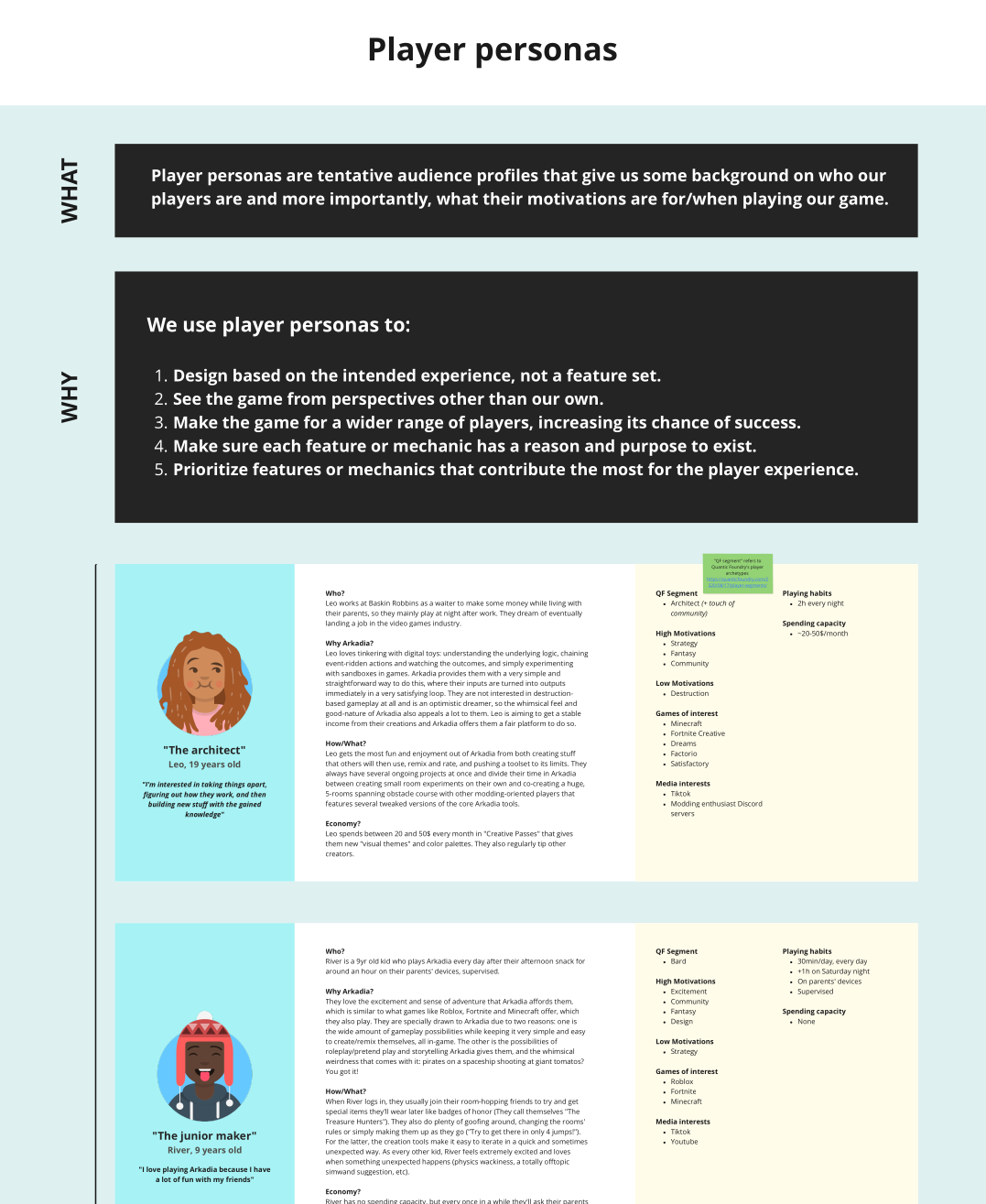
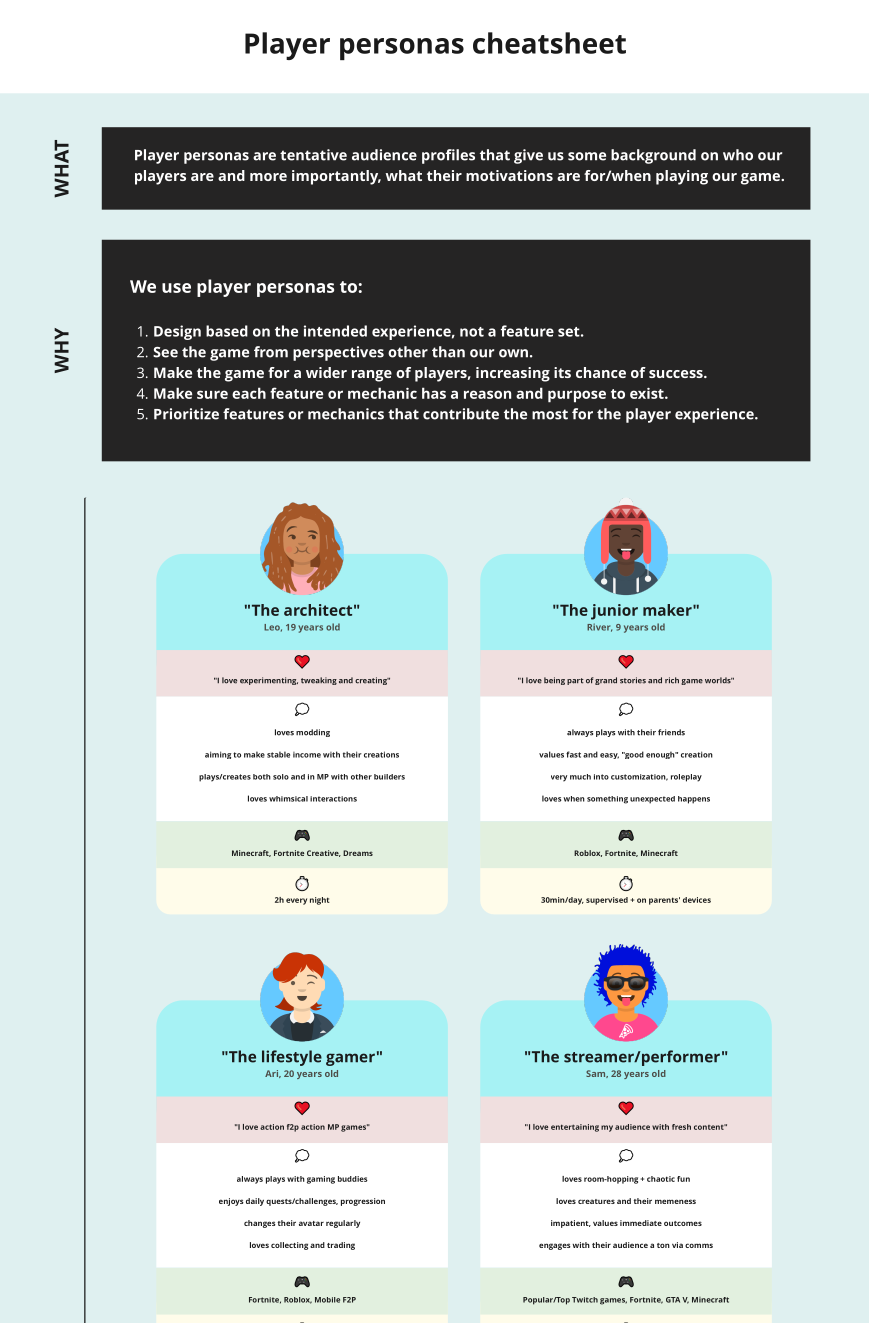
- User-Centered Design: My designs were based on emotional design theory and cognitive psychology principles explained through user flows, journeys, wireframes, personas, etc.
- Prototype Development: Used Unity to prototype and test gameplay and cross platform (mobile, gamepad, desktop) interaction models previously designed in Miro and Figma.
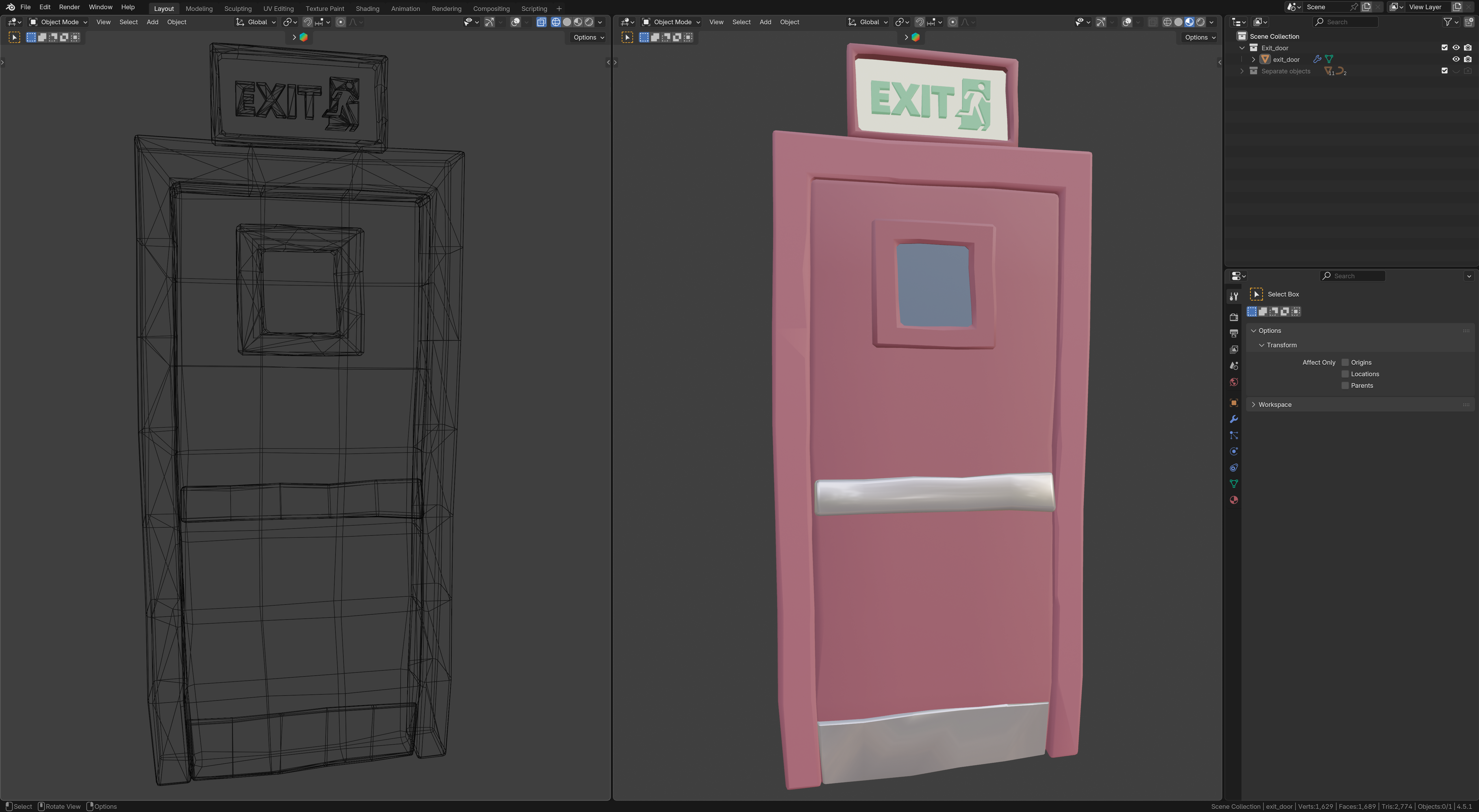
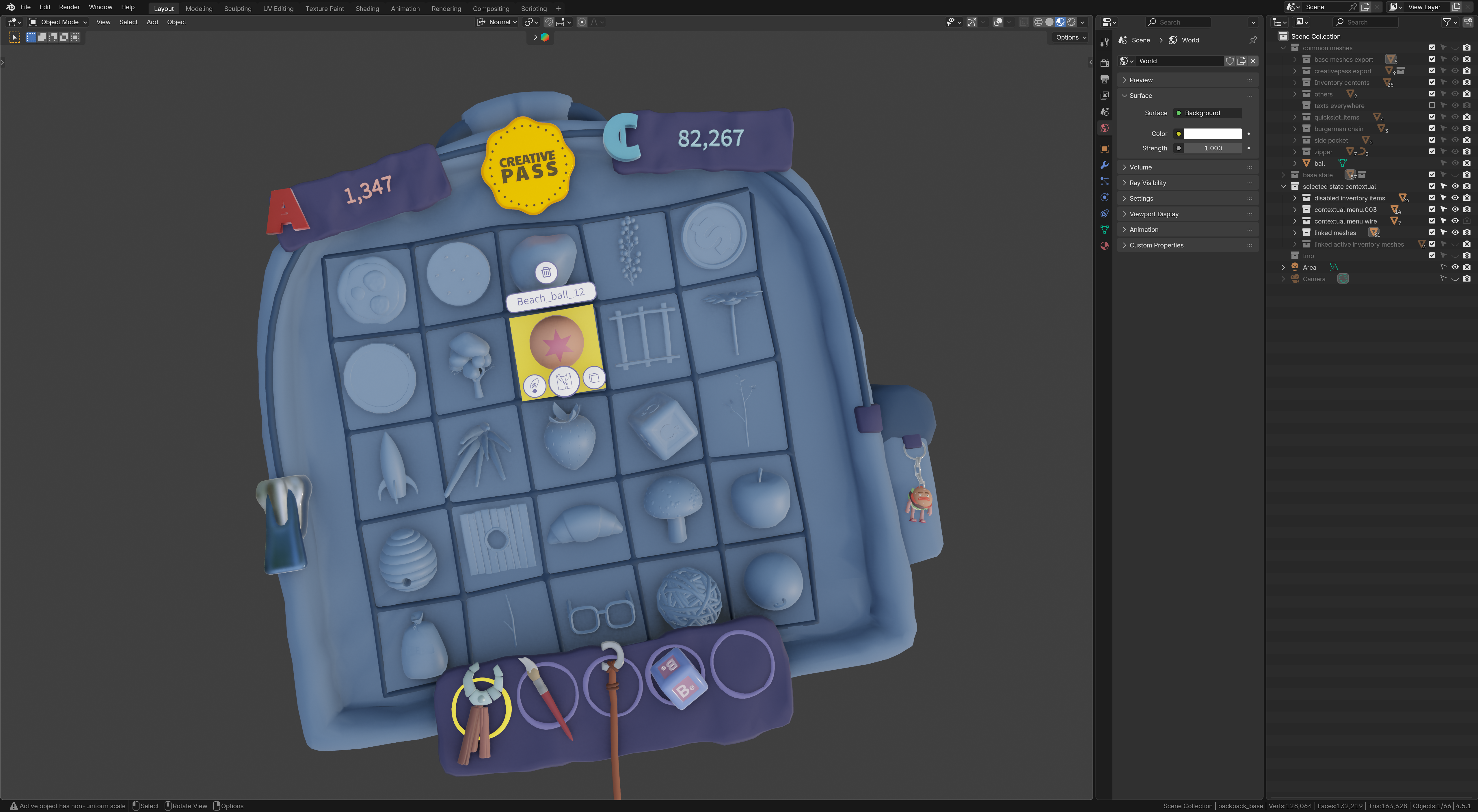
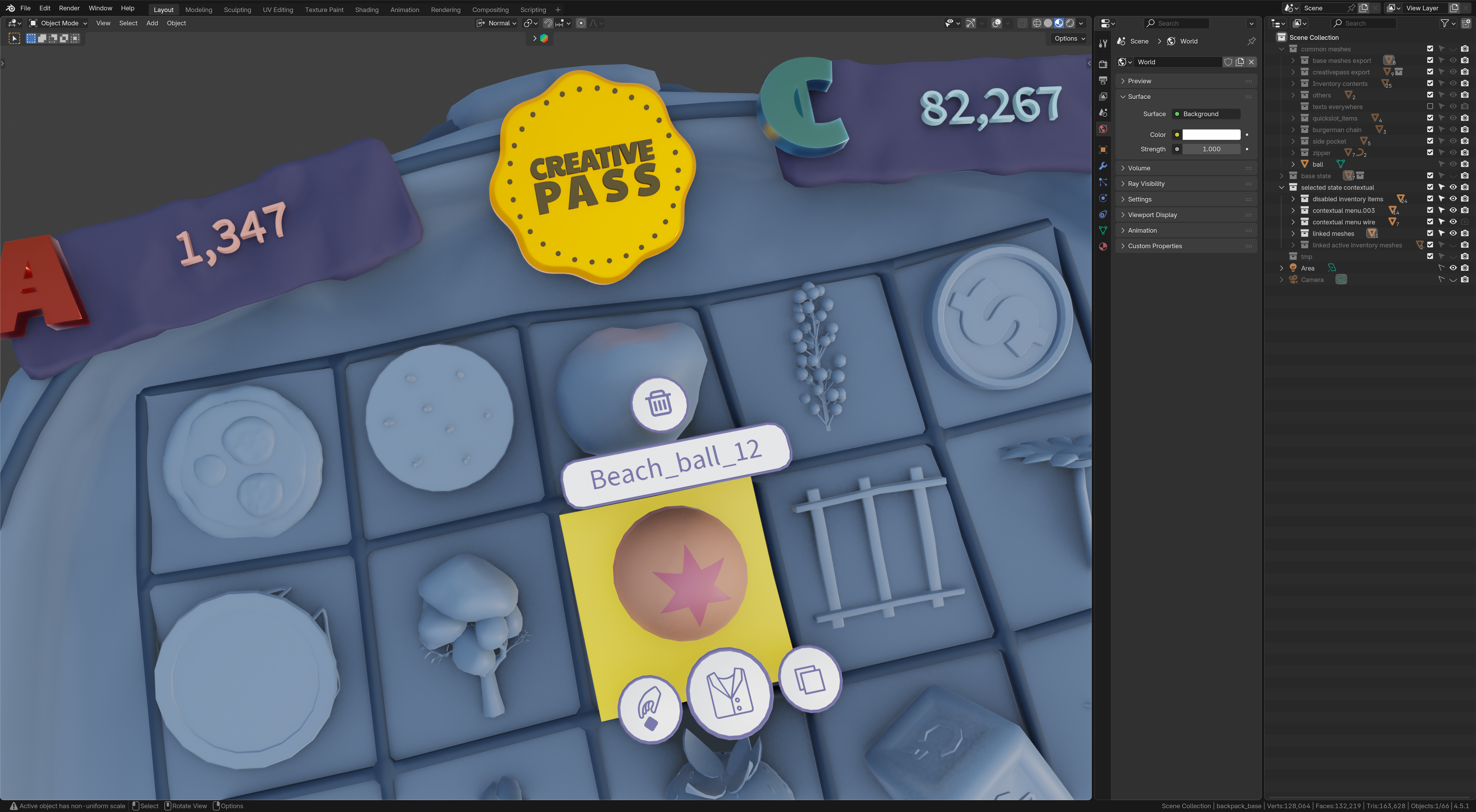
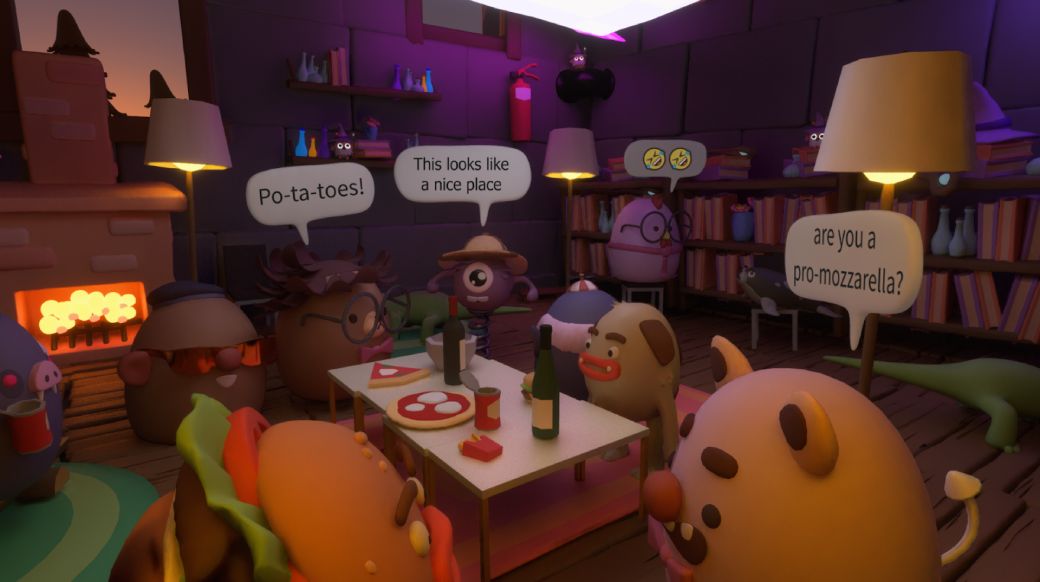
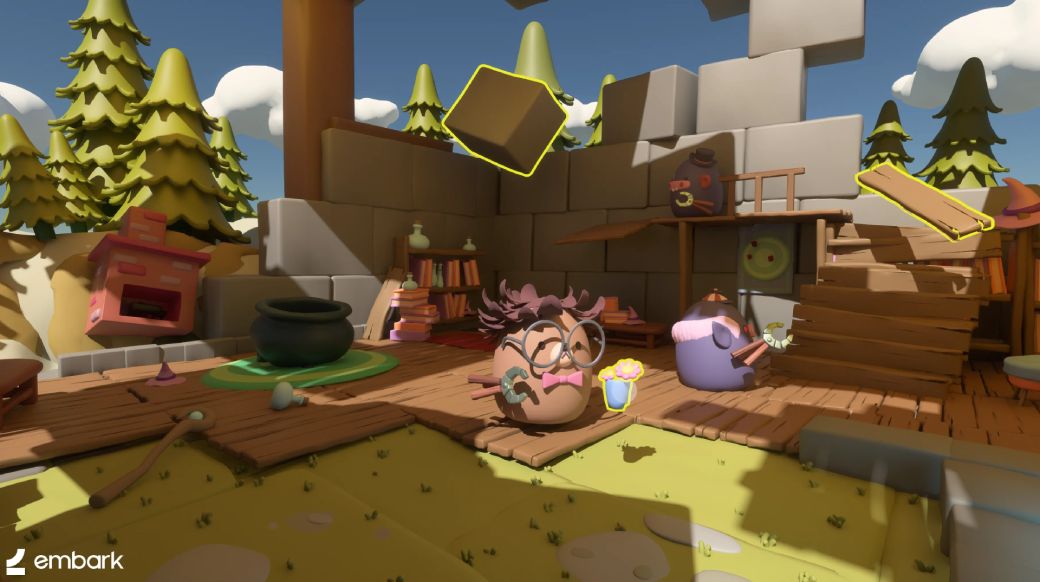
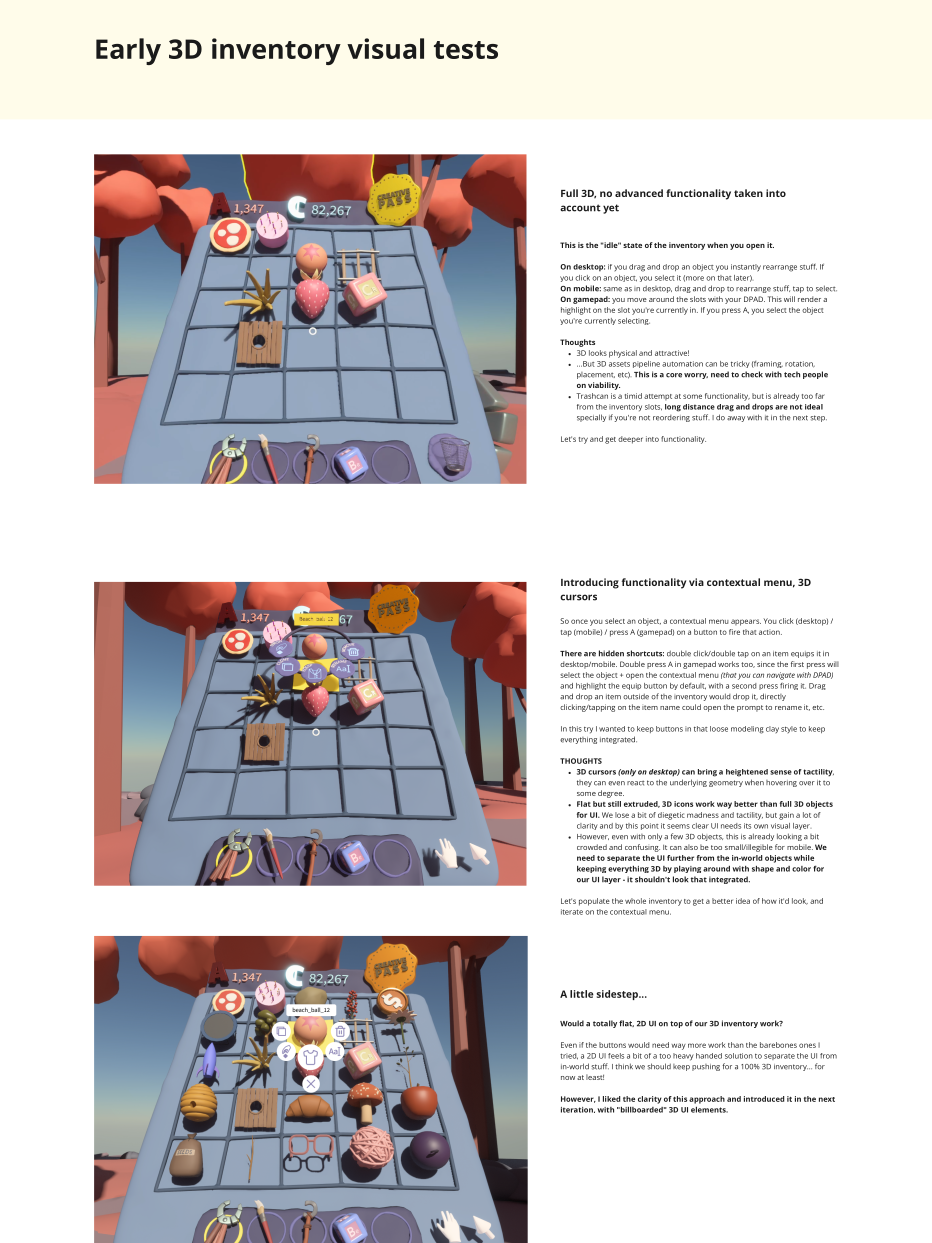
- 3D UI Component Creation: I used Blender to create assets for a fully diegetic, integrated user interface that interacts with the game environment, including the in-game raytraced lighting.
- Collaborative Implementation: Worked with cross-functional team members in feature-based effort pods throughout the implementation and quality assurance phases for a multiplayer videogame focused on user-created content that enabled players to build their own worlds and interactive experiences.
- Stakeholder Collaboration: Communicated with different stakeholders across production, game design, engineering, design + art and ML teams constantly.
Process
UX Pillars
The problem
When I came on board, there was a clear vision for the product, but we lacked a UX direction and a guiding source to define that vision in practical terms. It was essential to clarify how the product should function and the emotions it should evoke in players.
My solution
I chose to begin by establishing the UX pillars. I usually base my work on the theory of Emotional Design, and for a game centered on player self-expression and social connections, it felt like a natural fit to ground our pillars in this philosophy.
The outcome
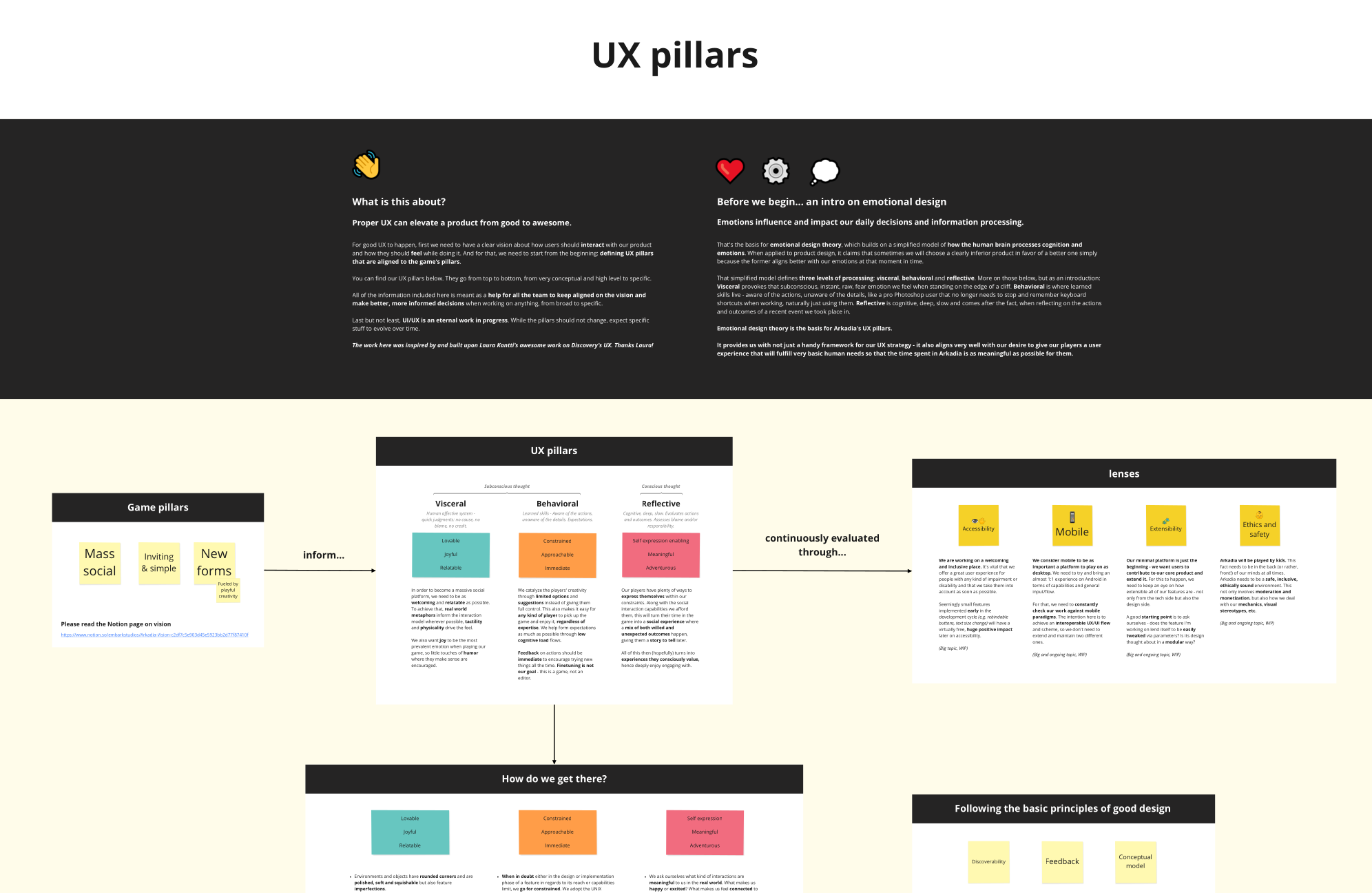
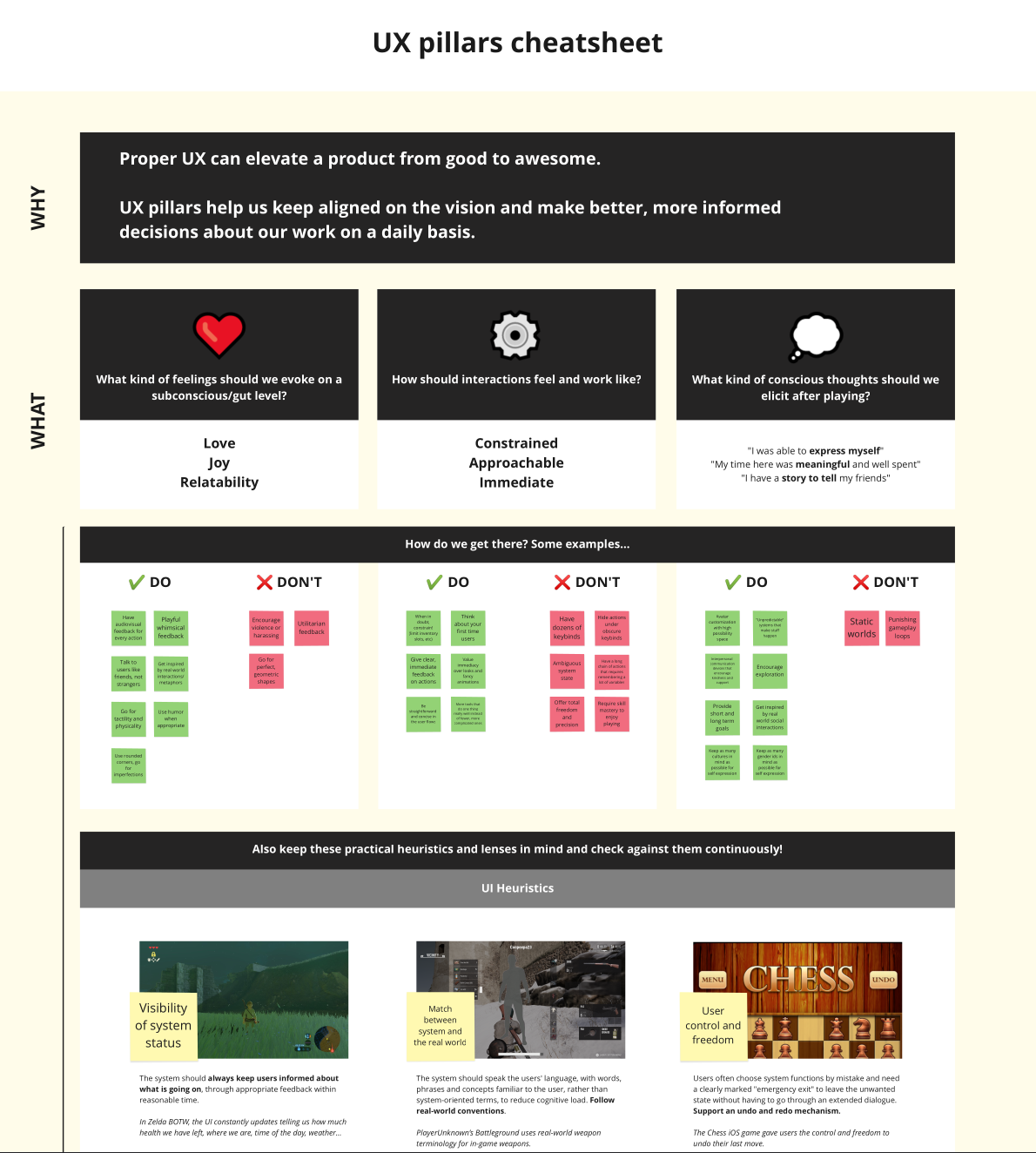
A Miro board was created with the UX pillars in both “extended” and “cheatsheet” versions serving as the UX source of truth for the project with practical examples of “do’s” and “don’ts”, heuristics and other information. These boards helped the team stay aligned on our core UX principles.
Cross platform interaction model
The problem
Different input devices require unique interaction models. Since our primary platforms were Desktop (with mouse, keyboard, and gamepad) and Android (touch), we had to find a way to deliver a consistent player experience across devices while keeping our codebase manageable for the engineering team.
At that time, we also faced the additional challenge of inconsistency among tools, as game designers hadn't yet agreed on standardized ways of working. This meant that nearly every tool operated differently, complicating our workflow further.
My solution
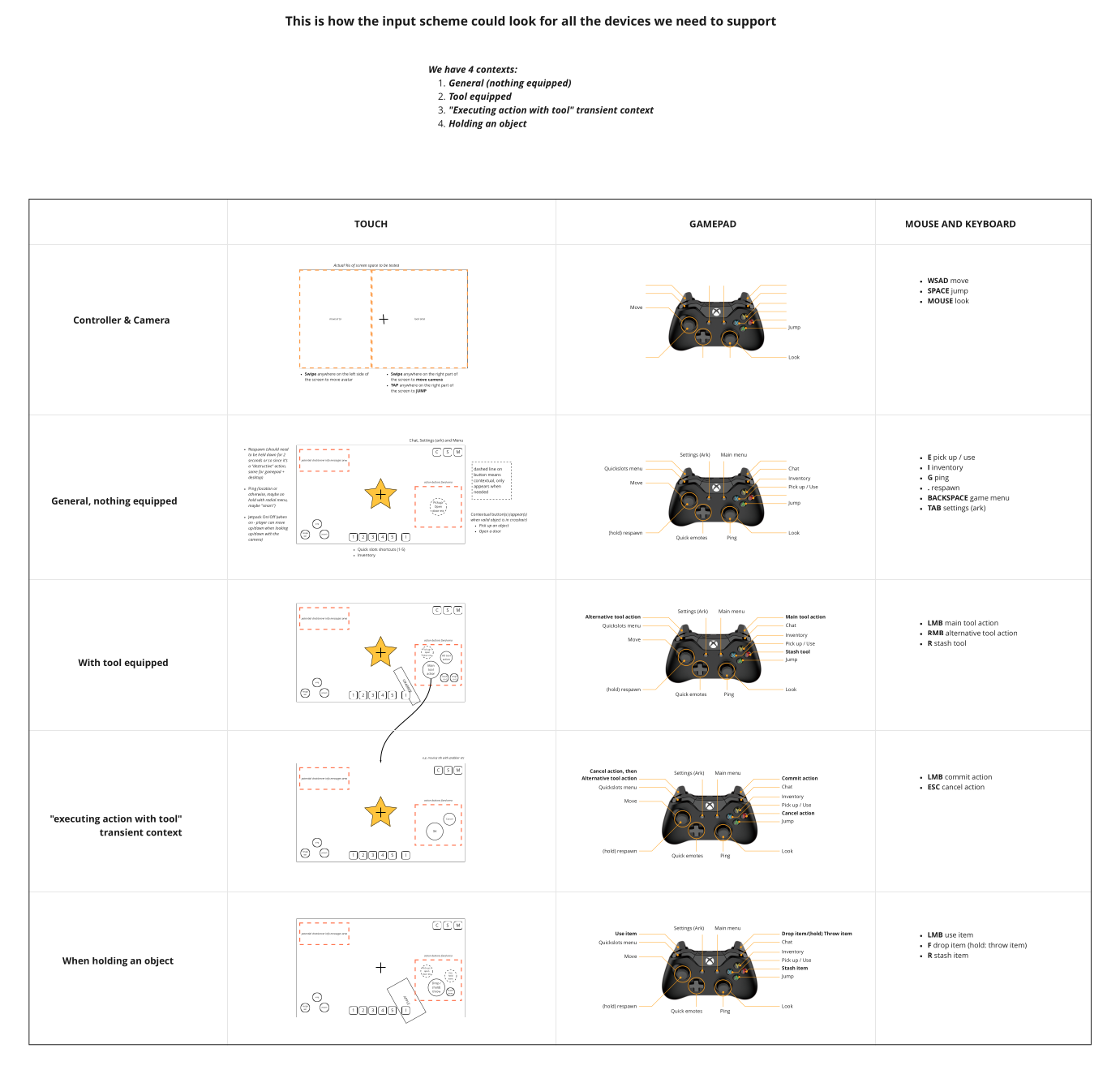
I chose to create a core control scheme based on the device with the fewest inputs — the gamepad. For Android, this would feature a virtual joystick for movement, “drag anywhere” for camera control, “tap anywhere” to jump, and context-specific virtual buttons for various actions. Meanwhile, the mouse and keyboard setup would primarily follow FPS conventions, adding shortcuts and quality-of-life improvements where appropriate.
This approach also introduced a universal operating scheme for our tools, enabling game designers to work effectively within those limitations.
The outcome
I put together a Miro board to outline the issues my proposal aimed to tackle. It included examples of how the universal operating scheme would function with various tools, along with a comprehensive table detailing the specific control scheme for each device and context.
Tools and user flows
The problem
Some of our advanced in-game tools came with challenges due to their complexity and experimental / prototype nature. As a result, they could benefit from enhanced UX considerations in their design.
My solution
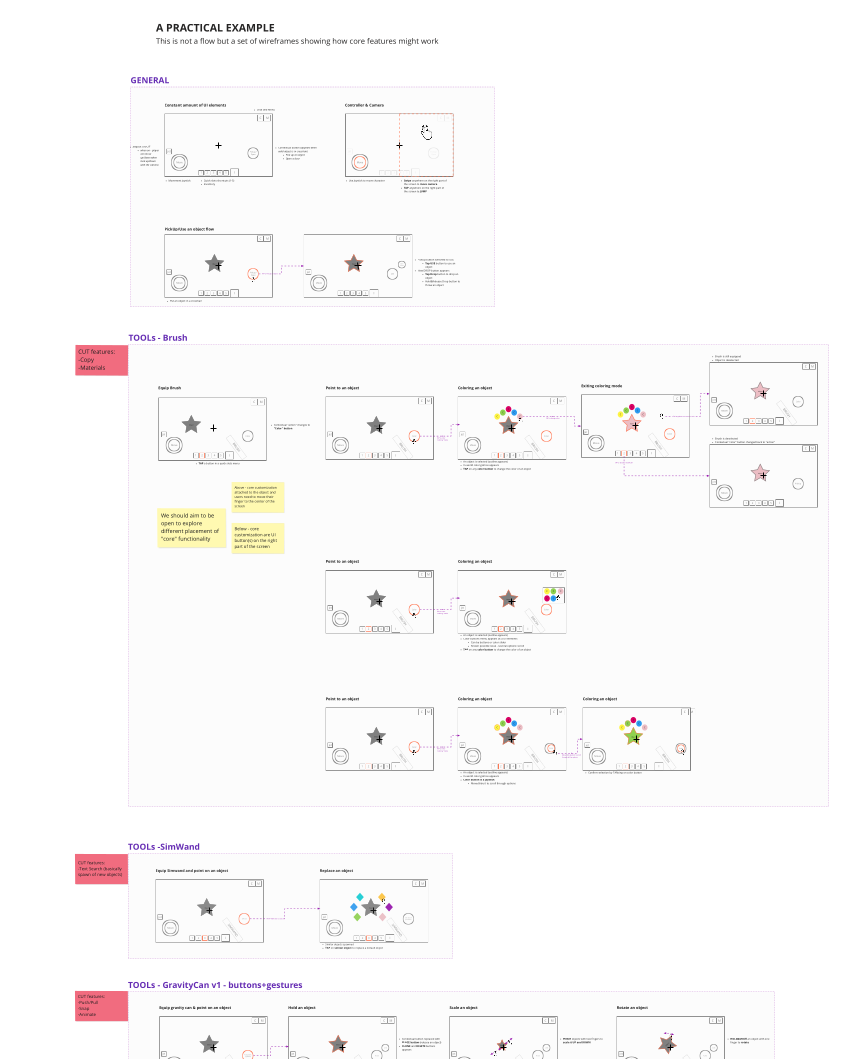
After collaborating with game designers, engineers, and artists, I applied universal design principles to enhance user flow with the tools. This approach made them more intuitive, accessible, and reliable for the player.
The outcome
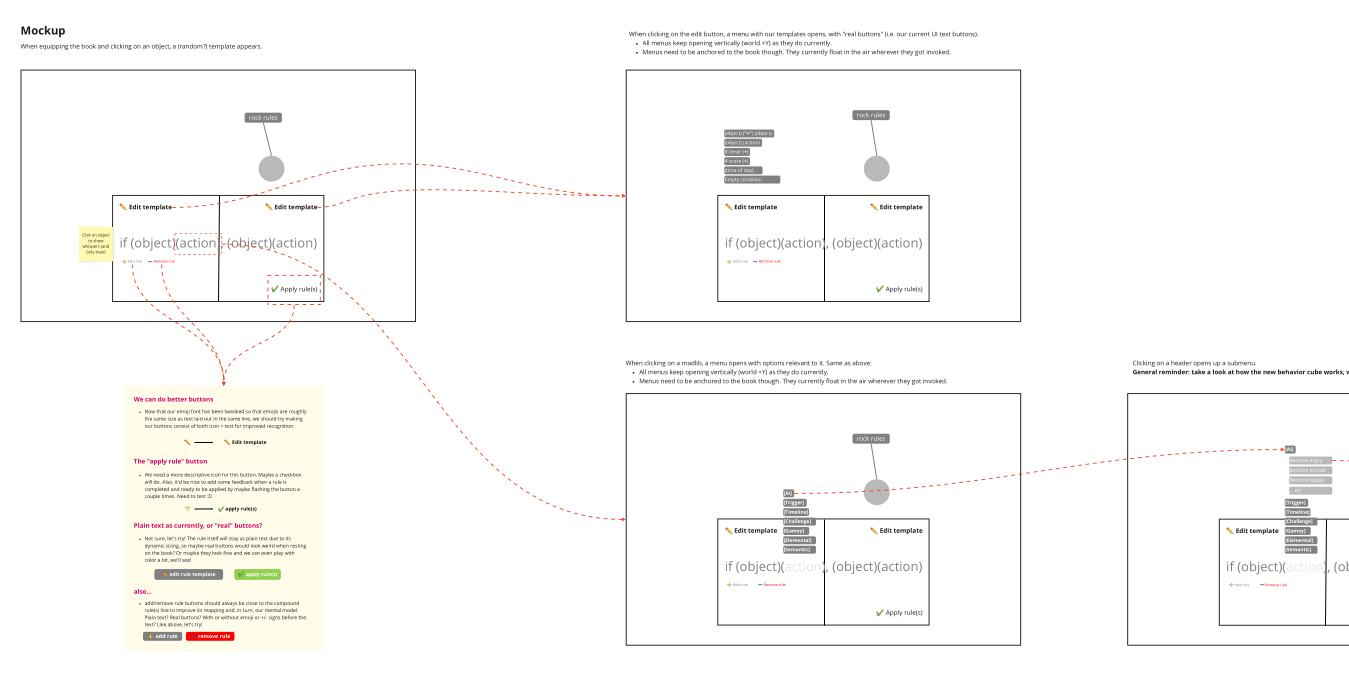
I created a Miro board as a blueprint for engineers to implement the improvements. This also signified the start of a design ethos aimed at integrating tools more seamlessly into the in-game world, e.g. leveraging the actual real-time 3D objects that would be influenced by a tool right into the tool interface.
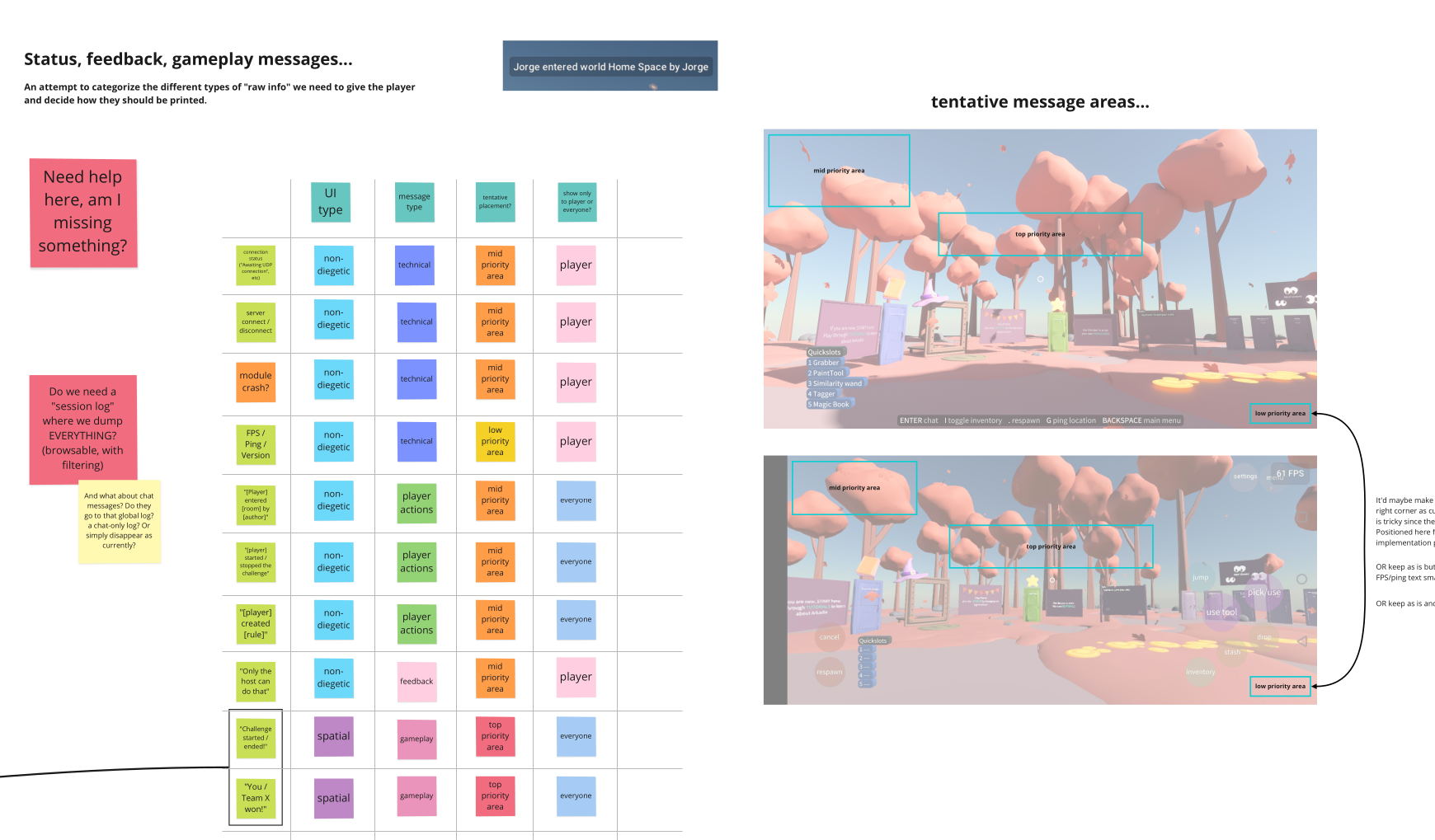
...and more!
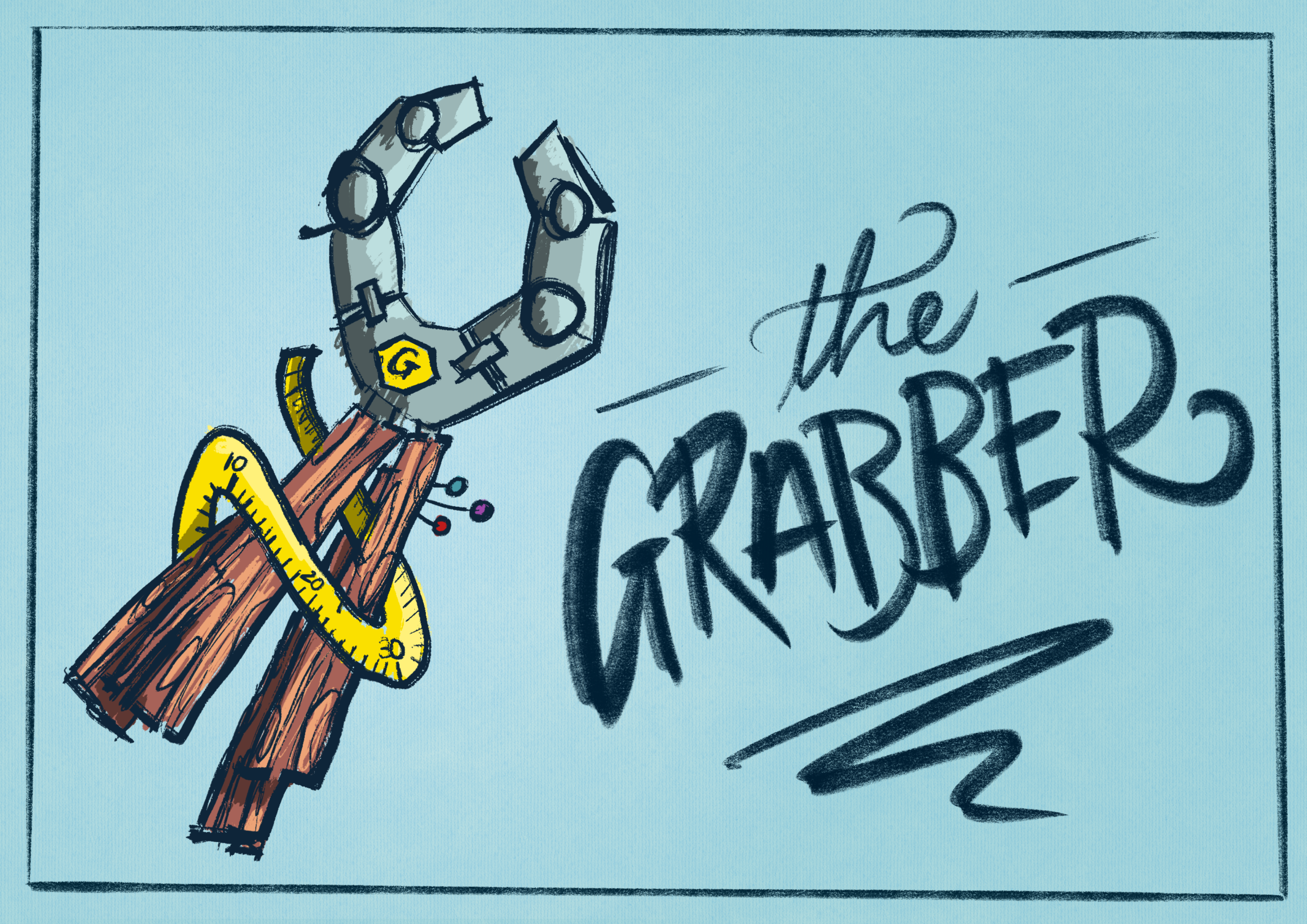
Given my multidisciplinary background, I also contributed 3D assets made in Blender, created concept art for new tools, and helped improve our internal communications with some branding work.